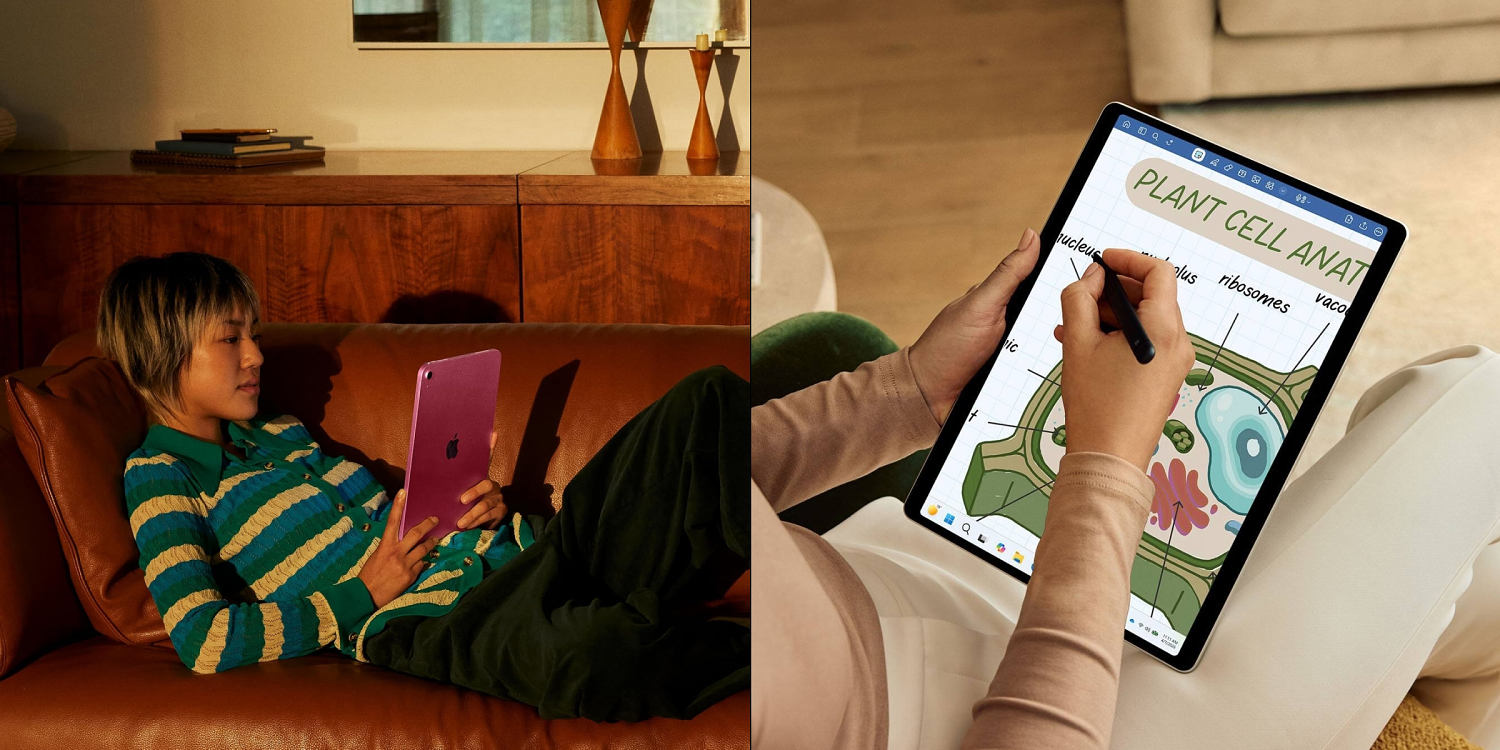
We were promised the post-PC era more than a decade ago. Glass slabs would replace our laptops, our notebooks, and eventually our desktop towers, freeing us from the mechanical tyranny of the physical keyboard. Yet millions of buyers still spend upward of one thousand dollars on premium portable displays only to discover they have purchased an oversized smartphone lacking a phone app or a crippled laptop with a keyboard sold separately.
The underlying problem stems from a fundamental identity crisis. Manufacturers market these devices as universal tools capable of replacing every screen in your life, from the living room television to the enterprise workstation. In reality, modern portable touchscreens sit in an awkward compromise. They run mobile operating systems stretched thin over desktop-grade silicon, forcing powerful hardware to wait idly while users struggle with poorly ported desktop software or heavy file management tasks.
Choosing the right device for daily work, streaming, and commuting requires cutting through marketing noise. Specifications sheets list blistering processor speeds and magnificent OLED refresh rates, but they rarely mention the friction points you encounter when trying to edit a spreadsheet or manage local file structures without a mouse.
Let us examine what actually matters when evaluating current hardware.
The Silicon Mismatch
Apple and Qualcomm spent years designing custom system-on-chips boasting immense thermal efficiency and raw computing muscle. These chips routinely defeat older laptop processors in synthetic benchmarks. The paradox lies in how operating systems constrain that power.
When a processor capable of rendering 4K video streams sits beneath an operating system designed primarily for touch gestures and single-window focus, the power goes unused. Heavy multitasking remains an exercise in window management frustration. While desktop environments permit fluid multi-window overlapping and granular file path manipulation, mobile touch interfaces rely heavily on split-screen presets and abstracted background task management.
If your primary objective involves writing code, compiling large software packages, or processing raw audio files, a mobile operating system introduces artificial bottlenecks. The hardware inside these machines is ready for heavy enterprise labor. The software layer simply refuses to get out of the way.
Real World Ergonomics
Walk into any coffee shop and you will spot professionals typing away on portable tablets propped up by flimsy magnetic folios. Beneath those folios lies an ergonomic compromise.
True productivity requires physical stability. A traditional laptop hinge allows a device to sit comfortably on your lap, a train tray table, or an uneven café counter while maintaining a rigid viewing angle. Tablet keyboard accessories often rely on kickstands that demand deep desk space and stable flat surfaces. When placed on a lap, the center of gravity shifts dangerously, threatening to tip the entire assembly onto the floor.
Weight distribution tells a similar story. The bare tablet feels feather-light in your hands during a morning train commute. Add the mandatory protective case, the detachable keyboard cover, and the external stylus, and the total weight often equals or exceeds an ultraportable laptop. You end up carrying the weight of a traditional computer while forfeiting the physical ports and robust port clearance needed for professional peripheral gear.
The Streaming and Media Paradox
Media consumption represents the undisputed crown jewel of the modern touch display. Streaming movies, reading digital comics, and reviewing high-resolution photography on a vibrant OLED panel remain unmatched experiences. Colors pop with dramatic contrast, and blacks achieve absolute depth.
Yet audio performance rarely matches visual fidelity. Slim chassis profiles leave virtually no physical room for proper acoustic chambers. Speaker grilles fire upward or outward, producing thin sound signatures that demand external headphones or Bluetooth speakers for a genuinely immersive cinematic experience.
Furthermore, aspect ratios dictate your viewing pleasure. Devices featuring four-by-three aspect ratios handle web browsing and document editing with grace, but wide-screen cinematic content suffers from aggressive letterboxing. Conversely, sixteen-by-ten panels make movies look stunning while leaving awkward vertical black bars when reading digital text documents in portrait orientation. There is no universal shape for a screen. Every choice involves a structural trade-off.
Accessory Economics
The initial sticker price of a hardware slate is rarely the true cost of entry. The baseline pricing model mirrors the razor-and-blade business strategy of legacy printer companies.
You purchase the core display unit, only to discover that the primary input device, the stylus, costs an additional hundred dollars. The mechanical keyboard case demands another hefty sum. Protective glass screen protectors, charging bricks omitted from the retail box, and proprietary storage dongles push the actual expenditure well into traditional laptop territory.
Before committing your funds, calculate the total ecosystem cost. If outfitting a portable slate with the necessary peripherals brings the total within striking distance of a dedicated notebook computer equipped with physical USB ports, a built-in keyboard, and a native desktop operating system, your money is likely flowing in the wrong direction.
Evaluate your daily habits without romanticizing the tech. If your day consists of reading research papers, reviewing client presentations, sketching vector illustrations, and streaming video content on long flights, a high-end portable touch display is an exceptional companion. If your workflow demands heavy typing, local file archival, legacy desktop applications, and constant multi-app switching under tight deadlines, skip the glass and stick to proven machinery.
The hardware is brilliant. The software ecosystem is catching up. Until the gap closes completely, spend your money based on the work you do today, not the futuristic workstation manufacturers wish you were running